Goal to Task planning
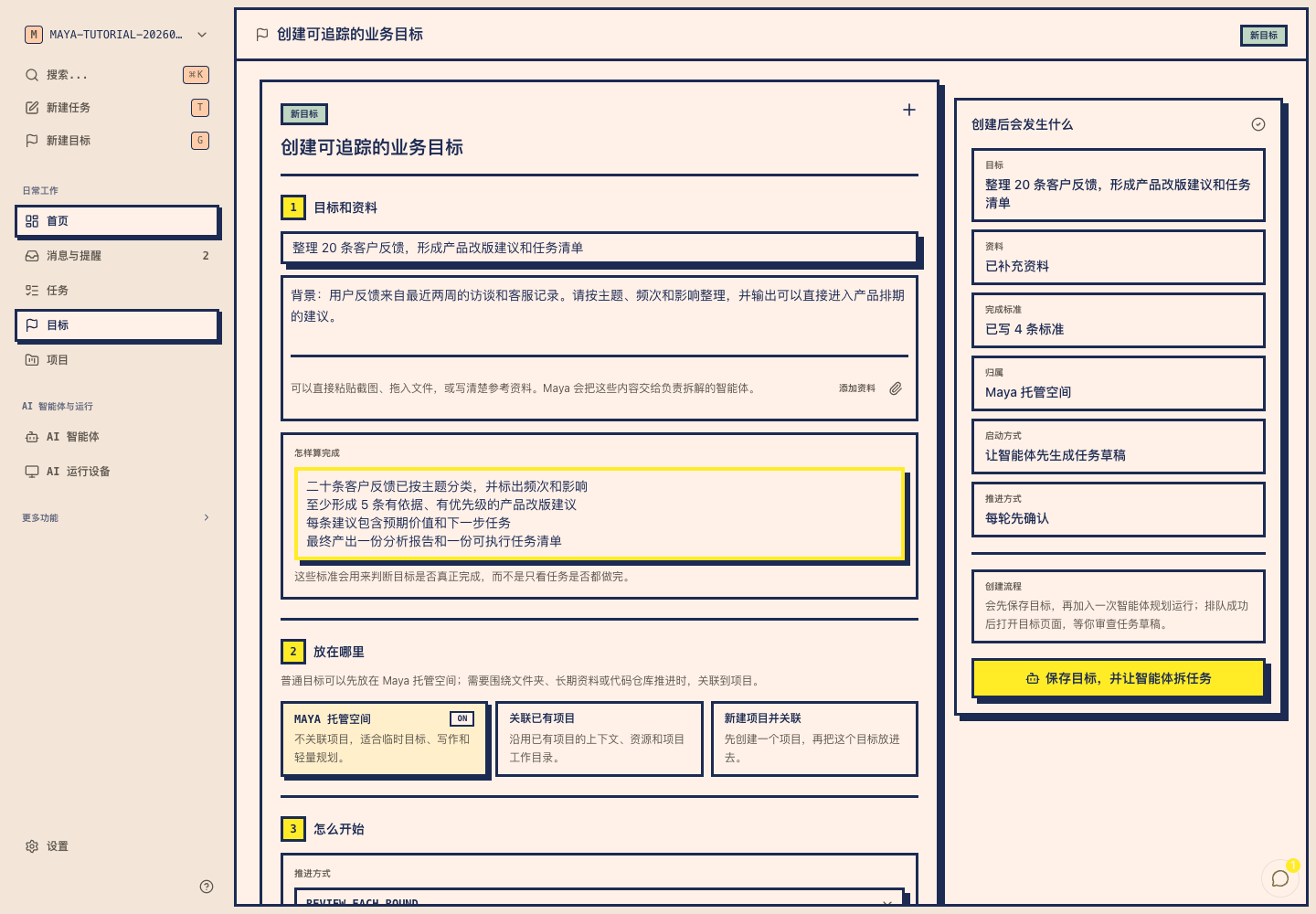
Capture the outcome, keep the original context, and review an editable Task plan before work enters the queue.
Maya is a multi-agent workbench for complex workflows. Capture a Goal, review the Task plan, route work to cloud or local Runtimes, pause at Approvals, and keep every Artifact, log, and IM handoff visible.
Maya keeps the work object visible. A Goal becomes an editable Task plan with owners, dependencies, risk flags, and review gates before anything enters the production queue.
Turn source spreadsheets into charts, analysis, Approval, and final Artifacts.
Keep Project optional. I need the revenue bridge, cost variance, chart deck, and final PDF reviewed before export.
Task plan is ready for review. Two Tasks can run in parallel, and the PDF export is gated by a human Approval.
Approved the plan. Keep the anomaly explanation as a separate Artifact so finance can reuse it next month.
Create Goals from the web app, IM channels, or API. The original intent stays attached to every downstream Task, decision, and output.
Planner output lands as a reviewable draft. Change titles, priorities, parent-child relationships, and dependencies before the queue starts.
Task runs, human decisions, agent notes, runtime events, and channel messages resolve back to the same Goal timeline.
Maya separates the control plane from the execution plane. Workers claim queued Tasks, stream run logs, report blockers, and leave an auditable trail instead of hiding progress in a chat response.
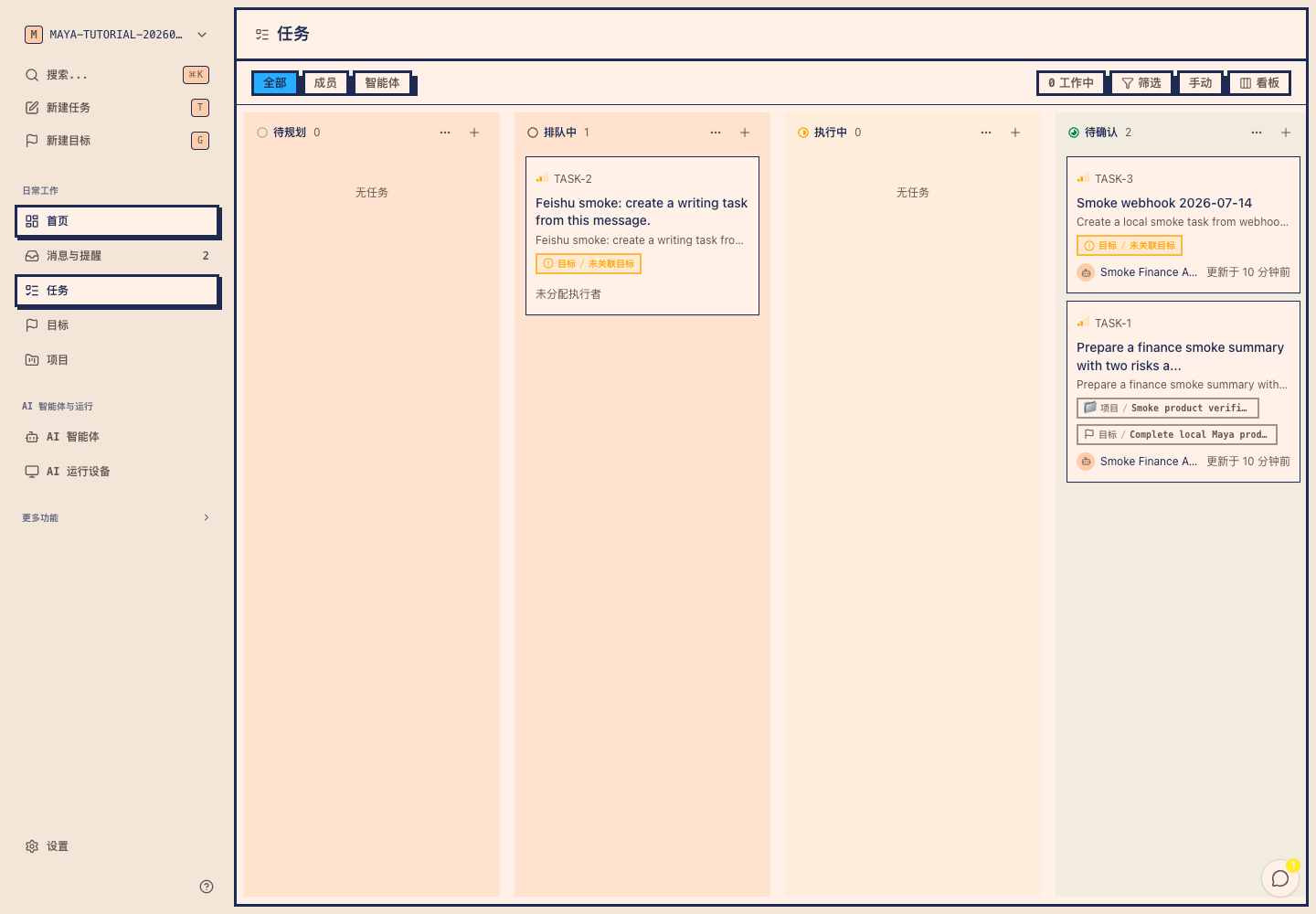
Each Task run has a clear lifecycle: queued, claimed, running, waiting for Approval, completed, failed, or cancelled.
Hard blockers, soft dependencies, parent Tasks, and reruns stay visible so long work can continue without losing context.
Follow command output, worker status, Artifacts, and failure reasons as they happen, then inspect the same log later.
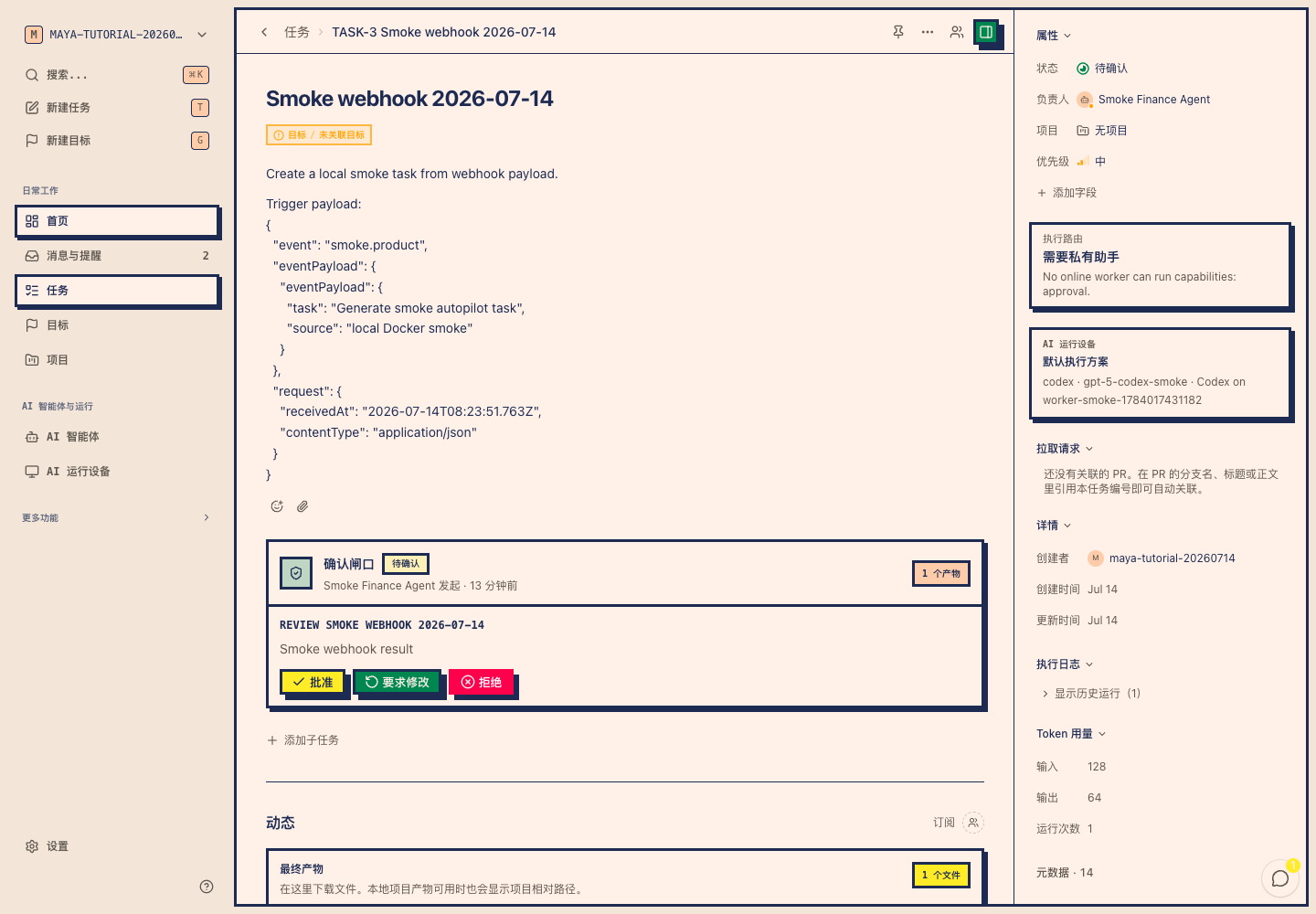
Maya turns human judgment and outputs into structured records. Approval gates pause risky steps, and every Artifact keeps its source Task, version, owner, and review state.
Approval Gate
Pause before exporting the client-facing PDF. Confirm metric basis, exception narrative, and whether the Artifact can leave the workspace.
Checks
Approve an export, request revision, or let a review Agent decide. The decision is recorded on the workflow, not buried in chat.
Reports, decks, spreadsheets, images, docs, and JSON outputs remain attached to the Task run that produced them.
Capture repeatable methods as Skill Packs with instructions, schemas, scripts, templates, examples, and validation rules.
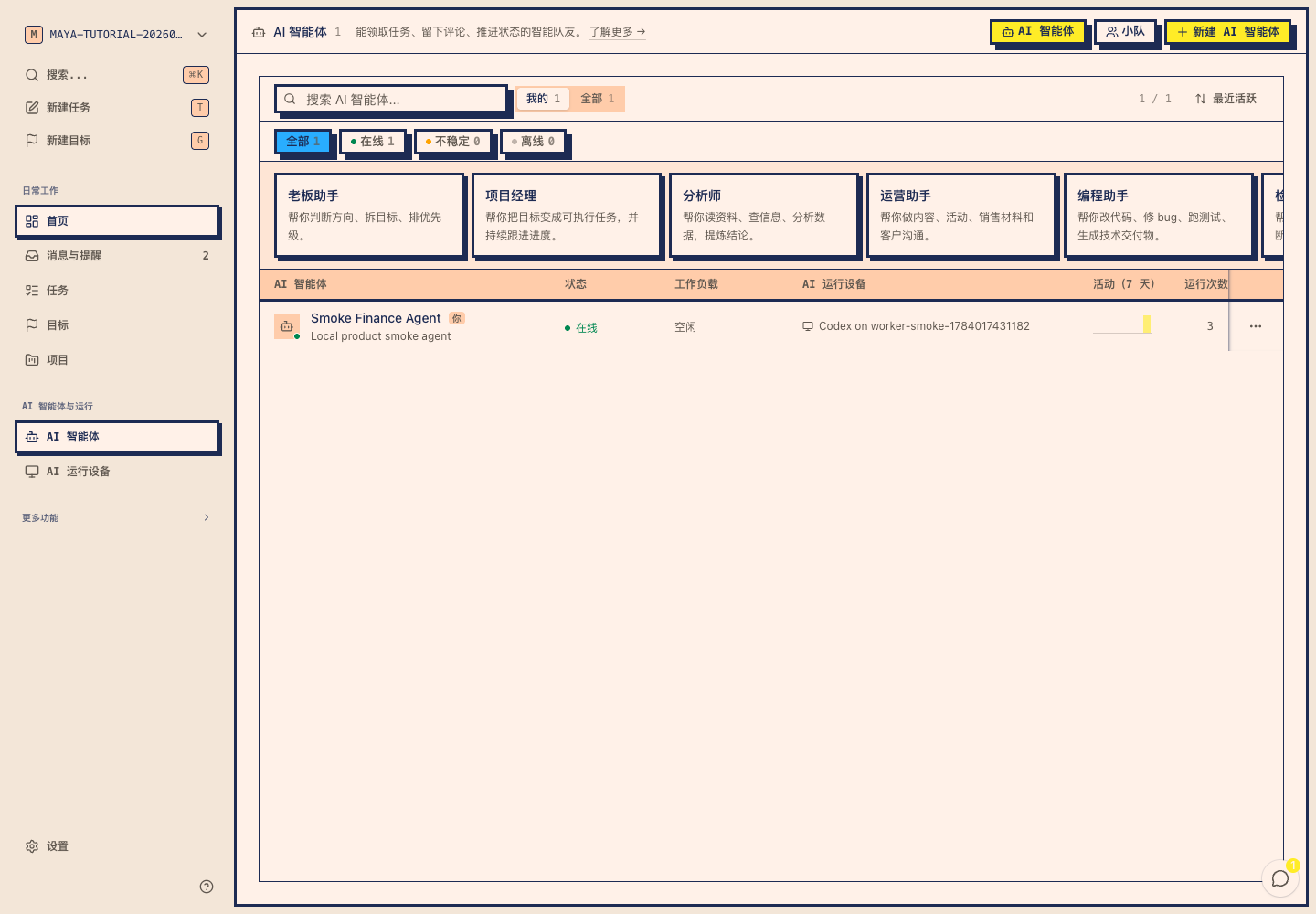
The API server coordinates work; Runtimes execute it. Use hosted workers for the normal path, then attach a local assistant when the Task needs private files, internal networks, or sensitive credentials.
Maya tracks queues, leases, Approvals, Artifacts, and state. Workers do the actual execution and report back through the queue.
See online status, provider availability, last heartbeat, usage, active runs, and failure details without opening logs first.
Connect a Mac, Linux host, or private worker for local files and internal tools. Secrets stay behind the vault boundary.
Get started
Enter your email, verify with a code, and create a workspace for Goals, Tasks, Agents, Runtimes, Approvals, and Artifacts.
Describe the outcome, attach files, choose optional context, and let Maya keep the request as the durable source of truth.
Planner output becomes a draft. Adjust sequencing, dependencies, owners, and Approval gates before production Tasks are created.
Cloud or local Runtimes claim work, stream progress, pause for decisions, and attach final outputs back to the Goal.
Project status
Maya now covers the core path for Goal intake, Task planning, queue execution, Approval checkpoints, Artifacts, IM handoff, and cloud or local Runtimes. Current work is focused on stronger queue observability, safer deliverables, Lark integration, and provider expansion.
Capture the outcome, keep the original context, and review an editable Task plan before work enters the queue.
Workers claim Tasks, report progress, expose blockers, and leave Task Run logs that can be inspected after completion.
Risky steps pause for confirmation, while reports, files, datasets, and generated documents stay attached to the Task that produced them.
Use hosted workers for ordinary work, then connect the local assistant when a Task needs private files, internal networks, or machine-local tools.
FAQ
Maya is designed for complex work that needs decomposition, queues, confirmation, and reusable outputs: research, reporting, finance analysis, content production, course development, operations, and software delivery.
Yes. Maya uses cloud workers for ordinary work and local assistants when a Task needs files, private networks, or machine-local tools. The control plane keeps the queue, logs, approvals, and outputs visible.
Chat is an input channel. Maya adds the durable management layer: Goal records, Task plans, queues, Runtimes, Approval gates, Artifacts, execution logs, and channel handoffs.
Yes. Maya manages the full Task lifecycle: queued, claimed, running, waiting for Approval, completed, failed, or cancelled. Workers report blockers and stream progress in real time.
Execution happens in cloud workers by default, or in your local/private worker when the Task needs local files, private networks, or sensitive data. The API server coordinates state instead of running CLI work directly.
As many as your connected Runtimes and configured concurrency limits can support. Maya tracks dependencies and approvals so independent Tasks can proceed in parallel.